
Here's a question most business owners have never had to answer: if your web designer disappeared tomorrow, could you still change your website, keep your email running and renew your domain?
For a lot of small businesses the honest answer is "I'm not sure". The domain was registered by a nephew in 2014. The hosting is on a card that expired. The Google Business Profile was set up by a marketing agency that closed. Everything works, until it doesn't.
This guide shows you how to check who owns each piece, what "owning it" actually means, and how to get control back without a fight. It takes about ten minutes, and you don't need to be technical.
“You can pay for a website for ten years and still not own it. Ownership is whose name is on each account, not who paid the invoices.”
Your website is really six separate things
When people say "my website", they usually mean one thing. Behind the scenes it's several accounts, often with different companies, and each one can be in a different person's name.
| Piece | What it does | Who should own it | What you need |
|---|---|---|---|
| Domain name | Your address, like yourbusiness.com.au | Your business, as the registrant | Login to the registrar account, or at least the transfer code |
| DNS | The settings that point your domain at your website and your email | Your account, or a provider you can access | A login, or a copy of every record |
| Hosting | The server your website runs on | Your account, or your provider's, on a written plan | A login, or a clear handover process |
| Website admin and files | Where pages and content are edited | You, with an admin login | Your own admin account, not a shared one |
| Business email | you@yourbusiness.com.au, on Microsoft 365 or Google Workspace | Your business | A global admin or super admin login |
| Google and social accounts | Business Profile, Analytics, Search Console, Ads, Facebook and Instagram | Your business | Owner or admin level access on each |
Your designer or agency can absolutely help run these. They just shouldn't be the only one with the keys.
Step 1: Check who owns your domain name (two minutes)
The domain is the one that matters most. Lose it and you lose your website address, your email address and years of Google history in one go. Luckily it's also the easiest to check, because domain records are public.
Free DIY check
Look up your domain owner
Free, official, and no account needed.
- 1
For .com.au, .net.au and .au domains
Go to the official auDA WHOIS and type in your domain without the www. auDA runs the .au domain, so this is the source of truth.
- 2
Read the Registrant line
This is the legal name of the person or business that holds the domain licence. The Registrant ID underneath is usually an ABN or ACN. It should be your business, not your designer's.
- 3
Check the Registrant Contact Email
Transfer codes and renewal notices go here. If it's an old staff member's address, or your designer's, change it now while everything is friendly.
- 4
Note the Registrar and Reseller
The registrar is the company that manages the domain in the .au registry. If you bought it through a reseller (often your web designer or host), their name shows as well. That tells you who to contact.
- 5
For .com and other international domains
Use ICANN's lookup instead. Owner details are often hidden for privacy, so you'll mostly see the registrar. Log in there, or ask whoever set it up which account it sits in.
Source: auDA, How to use the .au WHOIS tool.
If the Registrant line shows your business and you can log in to the account at the registrar, you're in good shape. If it shows someone else, don't panic. Keep reading.
Registrant, registrar, host: the three words that cause the confusion
Registrant
Who holds the domain
The person or business named on the domain licence. This is the closest thing to "owner". For a .com.au, it must be an eligible Australian business or person.
Registrar
Who manages it
The company you renew through, like a shop that holds the record for you. You can move registrars without changing the registrant.
Host
Where the website lives
The server your site runs on. It can be a completely different company again, and moving it doesn't move your domain.
Most of the horror stories come from mixing these up. A business moves hosts, assumes the domain came with it, and the old host's account quietly lapses a year later.
Step 2: Find out where your DNS and email live
DNS is the settings page for your domain. It decides which server shows your website and which service receives your email. It's often run by your registrar or your web host, and it's the piece people forget.
The WHOIS lists your name servers, which tells you who runs your DNS. If they mention your old web host, then your email may depend on an account you've never logged in to. Close that hosting account and your website and inbox can go dark on the same day.
- Ask for a copy of every DNS record, even if you never plan to touch them. A screenshot or export is fine.
- Find your email admin login. For Microsoft 365 that's a Global Administrator account. For Google Workspace it's a Super Admin. One of these should be a person in your business.
- Before any move, snapshot the DNS. We do this before touching any site, because one missed email record can stop a business receiving enquiries without anyone noticing.
Step 3: Check your hosting and website logins
Hosting is where the site actually runs. Sometimes you'll have your own account with the host. Often your designer hosts it for you on a monthly plan, which is completely normal and usually easier.
The thing to check isn't whether you hold the hosting account. It's whether you could leave if you needed to. Ask your provider three questions:
- Do I have my own admin login to edit the website? A personal one, not a shared password on a sticky note.
- If I leave, what do I get? A full copy of the site and its content, the domain and DNS released to me, or something less.
- Is that written down? In the quote, the terms or an email. A friendly verbal yes doesn't help if the business changes hands.

If your site runs on a platform like Wix or Squarespace, the website itself usually can't be moved elsewhere, only rebuilt. That's fine, as long as the domain is yours and the account is in your name.
Step 4: Don't forget your Google and social accounts
These are the accounts most often set up by "whoever was helping at the time". They hold years of reviews, data and ad history that you can't recreate.
Self-audit
Make sure your business holds the top role on each
Your agency can have access too, just one level down.
- 1Google Business Profile: a person in your business is the Primary owner
- 2Google Analytics: your business account has Administrator access to the property
- 3Google Search Console: you are an Owner of the property
- 4Google Ads: you hold Admin access, and the account is billed to your card
- 5Facebook and Instagram: your business portfolio in Meta is owned by you, with your agency added as a partner
- 6Your logo files, photos and brand fonts are saved somewhere you control
The quickest fix is to ask whoever runs them to add you at the top level. Once you're in, you can add or remove anyone else yourself.
What to do if your domain isn't in your name
Most of the time this is an accident, not a hostage situation. A designer registered it in their own name to save time, and nobody ever thought about it again. Start polite.
Send something like this:
Hi Sam, I'm tidying up our business records and noticed yourbusiness.com.au is registered in your company's name. Could you please transfer the registrant to [your business legal name, ABN] and send me the login for the registrar account? Happy to cover any transfer fee. Thanks for looking after it all these years.
For a .au domain, there are two different kinds of transfer, and it helps to know which one you're asking for:
| Change of registrant | Change of registrar | |
|---|---|---|
| What changes | Who holds the domain licence | Which company manages it |
| When you need it | The domain is in someone else's name, or you're buying or selling a business | The domain is in your name but you want it with a different provider |
| How it starts | Contact the current provider (registrar or reseller) | Contact the new registrar and give them the transfer code |
| Cost | New licence fee, and some providers charge to check eligibility | auDA says there's no fee to move between registrars |
| Time left on the licence | Full years remaining carry over, up to five | Stays with the domain |
The transfer code (also called the domain password or EPP authInfo code) is sent to the registrant contact email on the domain. If the domain is in your name but you can't get the code, auDA has a .au domain password recovery tool.
If they won't hand it over
It's rare, but it happens: the designer has gone quiet, the business has closed, or there's a dispute over an unpaid bill. In that order, try:
- Contact the registrar directly. The WHOIS lists the registrar and an abuse contact. If the domain was registered for your business and you can show it (your ABN, invoices, emails), explain the situation and ask what they can do.
- Pay what's genuinely owed. If there's a real unpaid invoice, settling it is almost always cheaper than a fight.
- Get advice. auDA has a complaints process, and a lawyer can tell you where you stand under your agreement. Note that a domain caught up in a complaint or dispute can't be transferred until it's resolved.
Buying or selling a business? The domain doesn't go automatically
This one catches people out. auDA is clear that buying a business doesn't transfer the domain licence. The new owner has to be made the registrant, and when it's part of a sale contract, auDA's rules say to transfer it within 28 days of the contract unless the agreement says otherwise.

Add these to the sale checklist, next to the lease and the stock:
- the domain registrant changed to the buyer's business
- the registrar, hosting, email and DNS logins handed over
- the buyer made Primary owner of the Google Business Profile
- Google Analytics, Search Console, Ads and Meta accounts transferred
- the website's content, photos and any written copyright terms passed on
Heads up: .com.au eligibility rules are changing
There's a timely reason to check your domain now. In August 2026, auDA's Board approved in principle a set of changes to the .au licensing rules. One would remove the option to qualify for a .com.au or .net.au using the name of a service, product, event, activity or premises.
Instead, the domain would need to match, or be an acronym of, the holder's registered name (company, business, personal, partnership or trust name), or match their Australian trade mark.
Nothing has changed yet. auDA says it will publish draft rules for public consultation and announce dates and any transition arrangements. But if your domain describes what you do rather than what you're registered as (say, a plumbing company whose domain names its hot water service rather than its registered business name), it's worth checking the Eligibility Type and Eligibility Name on your WHOIS now, and watching for auDA's announcement.
Keep a one-page record and you'll never have to chase it again
Once you know where everything lives, write it down in one place. Not the passwords themselves (those belong in a password manager), just what each account is, whose name it's in and how to get in.
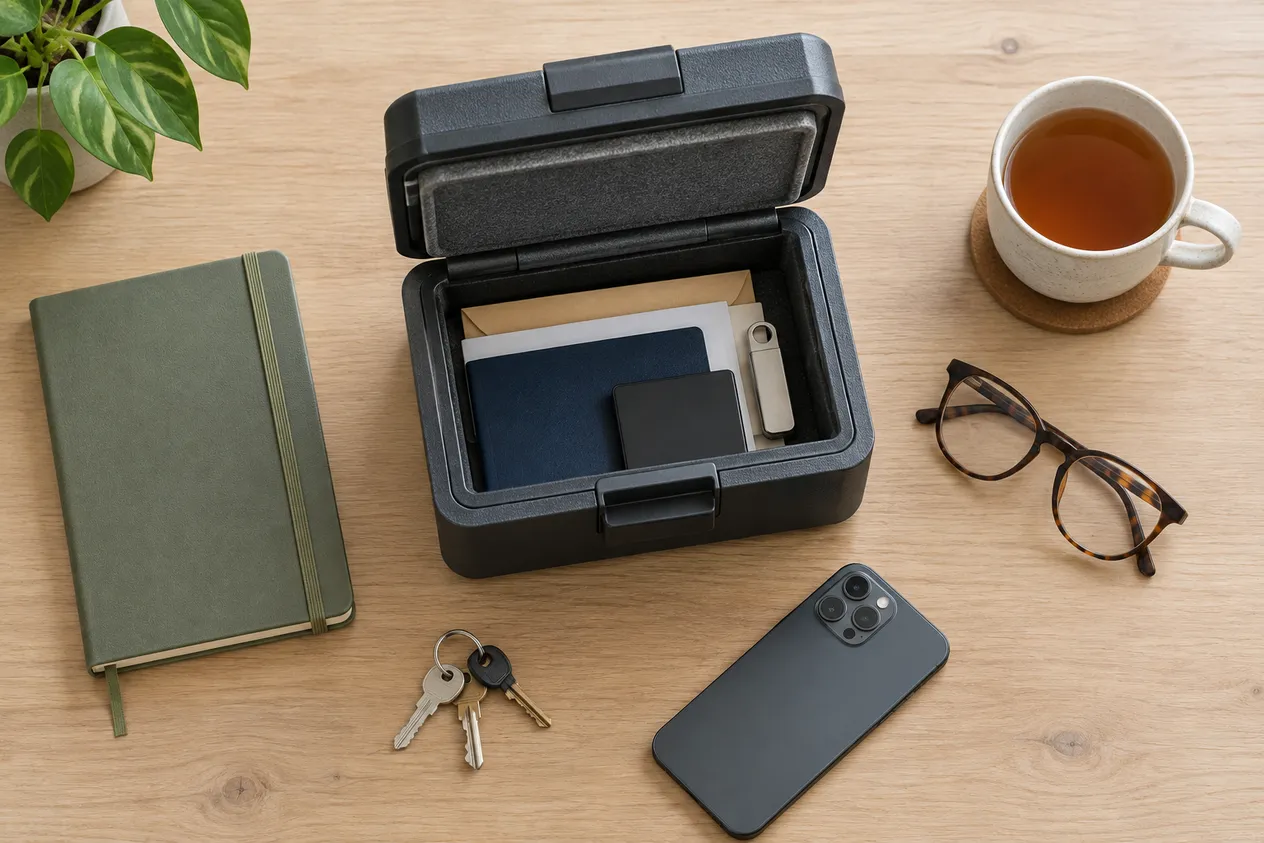
Manual checklist
Your website ownership record
Print it, fill it in, and review it once a year when the domain renews.
- Domain name, registrant name and ABN, and renewal date
- Registrar or reseller, and the email address that logs in
- Who runs the DNS, and a copy of the records
- Hosting provider, plan, and what happens if you leave
- Website admin login (in your password manager)
- Email admin account for Microsoft 365 or Google Workspace
- Google Business Profile, Analytics, Search Console and Ads owners
- Facebook and Instagram business portfolio owner
- Where your logo, photos and brand files are saved
- Who to call if something breaks
Moving to a new website? Do this first
Most ownership problems surface during a rebuild, usually at the worst moment, when the new site is ready and nobody can get into the domain. If a new website is on your list, sort out access before the build starts, not on launch day.
It's also worth planning your old page addresses so you don't lose Google rankings when the new site goes live. Our free redirect map builder helps you match old pages to new ones.
When we build a website, this checklist is the first conversation. We find out where your domain, DNS and email sit before anything changes, so your enquiries keep landing while the new site goes live. If you're weighing up whether to start again, our guide to redesigning versus building a new website is a good next read.
Frequently asked questions
How do I find out who owns my domain name?
For a .com.au, .net.au or .au domain, type it into the official auDA WHOIS at whois.auda.org.au. The Registrant field shows the legal name of the person or business that holds the licence, and the Registrant ID usually shows their ABN or ACN. For a .com or other international domain, use lookup.icann.org, although the owner's details are often hidden for privacy and you'll mainly see the registrar.
My web designer registered my domain. Do I own it?
Not necessarily. Whoever is listed as the registrant holds the domain licence, whatever was agreed over coffee. If the WHOIS shows your designer's business as the registrant, ask them to transfer it to your business. It is a standard request and any reputable designer will do it.
How do I get the transfer code for a .au domain?
Ask your current registrar or reseller, who will send the code (also called the domain password or EPP authInfo code) to the registrant contact email on the domain. You can also use auDA's .au domain password recovery tool at pw.auda.org.au. The code goes to that registrant email, so make sure it's an address you can still open.
Does it cost money to transfer a .au domain?
auDA says there is no fee to move a .au domain between registrars. Changing the registrant, meaning handing the domain to a different person or business, is a different process: the new holder signs a new licence agreement and pays the licence fee, and some providers charge to check that both parties are eligible.
If I sell my business, does the domain go with it?
Not automatically. auDA says buying a business does not transfer the domain licence. The domain has to be transferred to the buyer, and when it is part of a sale contract, auDA's rules say to do it within 28 days of the contract unless the agreement says otherwise.
Who owns the design and content of my website?
It depends on your agreement. In Australia, copyright in work a contractor creates generally stays with the contractor unless a written agreement assigns it to you or gives you a licence to use it. Check your quote or terms, and if they say nothing, ask your designer to confirm in writing what you can keep and reuse.
Planning a new website?
Tell us about your business and what you need. You'll get an instant quote, and we'll start by making sure your domain, email and accounts are safely in your name.