
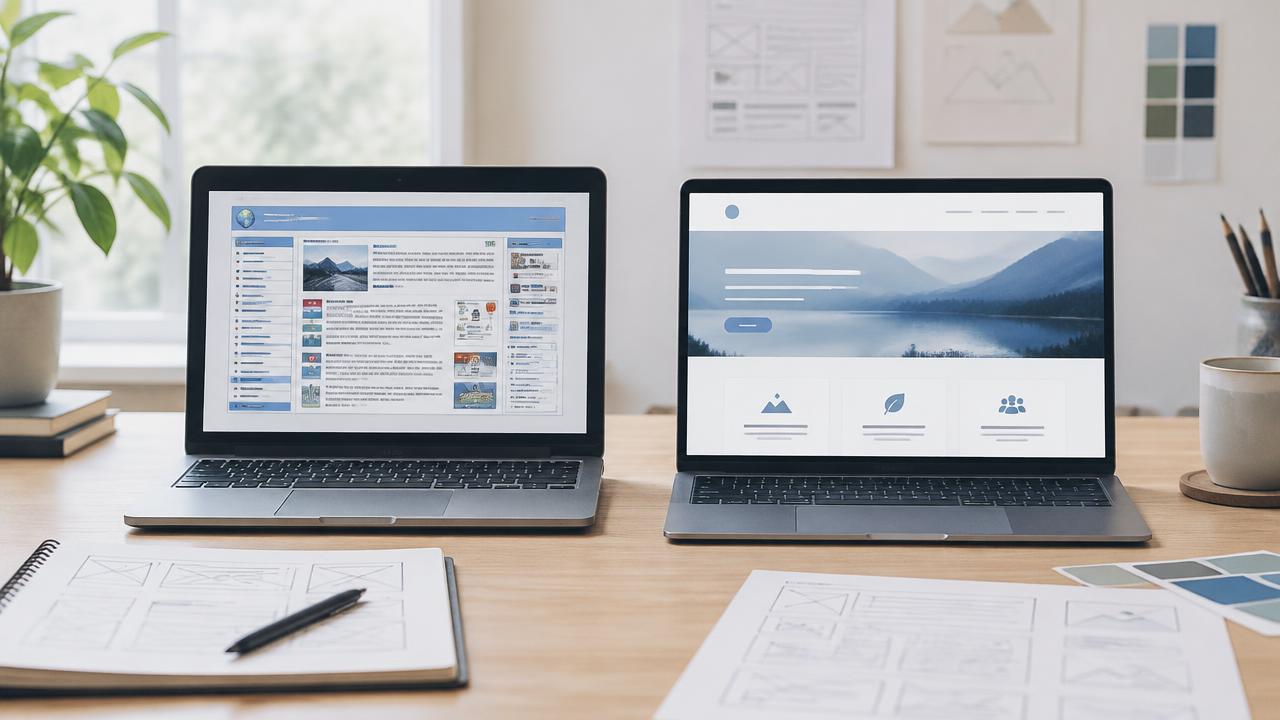
The short answer: redesign when the foundations are sound and the problem is mainly visual. Rebuild when the platform, structure or code are holding the business back. Most businesses sit somewhere in between, which is why it helps to assess the site properly before choosing.
Refresh
Same site, new look
Keep the platform, structure and most content. Update the visual design, imagery and key messaging.
Redesign
Rework the experience
Keep the content that performs, rethink page structure, navigation and conversion paths, possibly on the same platform.
Rebuild
Start on new foundations
Move to a new platform or codebase, plan the structure afresh and migrate only what is worth keeping.
Free DIY check
Start with a five minute self-assessment
Before reading further, run your current website through our free checker. It scores the signals that usually decide between a refresh and a rebuild.
- 1
Run the Redesign Readiness Checker
Answer a short set of questions about your current website and get a clear recommendation.
- 2
Compare with what good looks like
Look at a few modern examples in your industry to calibrate your expectations.
- 3
Use this guide to test the result
Work through the criteria below to confirm whether a redesign or a new build makes more sense.
The checker gives a starting point, not a verdict. Your business goals should make the final call.
Eight criteria that decide it
1. Technical debt
Older sites often carry years of plugins, patches and custom code nobody fully understands. If simple changes are slow, risky or expensive, the debt is costing you money every month. Past a certain point, rebuilding is cheaper than continuing to maintain it.
2. Platform constraints
Some platforms limit layout, speed, integrations or ecommerce features. If you keep hearing "the platform cannot do that", a redesign on the same platform will hit the same walls. A new build is usually the answer.
3. Branding
If your brand has changed, a visual refresh can carry it across. If your positioning, audience or services have changed significantly, the site structure probably needs to change too, which points towards a larger redesign or rebuild.
4. SEO migration risk
Pages that rank and bring enquiries are assets. Any redesign or rebuild that changes URLs must include a redirect map, preserved metadata, internal links and post-launch checks. Done well, a rebuild can improve search visibility. Done carelessly, it can lose years of ranking work. Our free Redirect Map Builder helps plan this.
5. Content reuse
Audit what you have. Keep pages that rank, convert or answer real questions. Rewrite pages that are thin or outdated. Remove pages that nobody visits and serve no purpose. Good content can move to a new build, so a rebuild does not mean starting from zero.
6. Conversion problems
If people visit but do not enquire, the issue is often structure and messaging rather than colour. Unclear offers, buried calls to action and weak proof need rethinking at page level. A cosmetic refresh rarely fixes conversion problems on its own.
7. Performance
Slow mobile loading hurts both rankings and enquiries. If speed problems come from heavy themes, page builders or bloated code, they are hard to fix without rebuilding. If they come from oversized images, a redesign can solve them.
8. Cost over time
Compare the full cost over two to three years, not just the upfront quote. A cheaper redesign that still needs constant patching can end up costing more than a clean rebuild with predictable monthly care. Our guide to what a website costs in Brisbane breaks down those ongoing costs.
Quick decision table
| Signal | Points to redesign | Points to rebuild |
|---|---|---|
| Platform | Modern, flexible and supported | Outdated, restrictive or insecure |
| Code and plugins | Clean and easy to update | Fragile, slow or poorly documented |
| Content | Mostly accurate and useful | Thin, outdated or disorganised |
| Structure | Pages match how customers buy | Navigation and pages no longer fit the business |
| Speed | Fixable with images and tidying | Limited by theme or builder |
| Search | Strong rankings to protect | Little existing visibility to lose |
How to protect your rankings either way
- Export a list of every current URL and its traffic.
- Decide which pages are kept, merged or retired.
- Map every old URL that changes to its best new equivalent with a permanent redirect.
- Carry across titles, descriptions and headings that already perform.
- Check the new site for broken links, missing pages and crawl errors after launch.
- Monitor Search Console for several weeks and fix issues quickly.
What Launch North recommends
For most small businesses with an older site, we find a clean custom build is the better long-term value: faster, easier to update and structured for enquiries, while keeping the content and rankings that matter. You can see the standard we work to in our website examples and compare fixed prices on our packages page.
Not sure which way to go? Tell us about your current website in the brief and we will give you a straight recommendation. Learn more about our custom websites for Brisbane businesses.